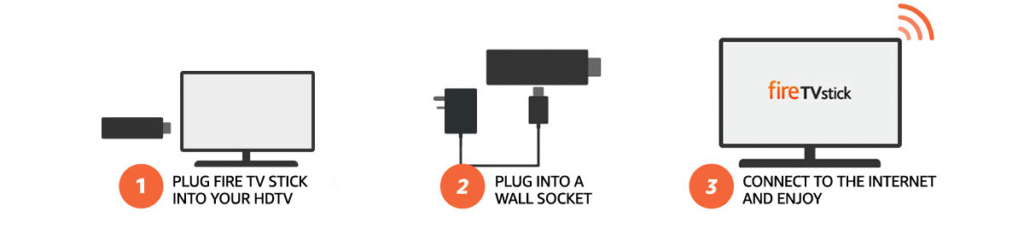
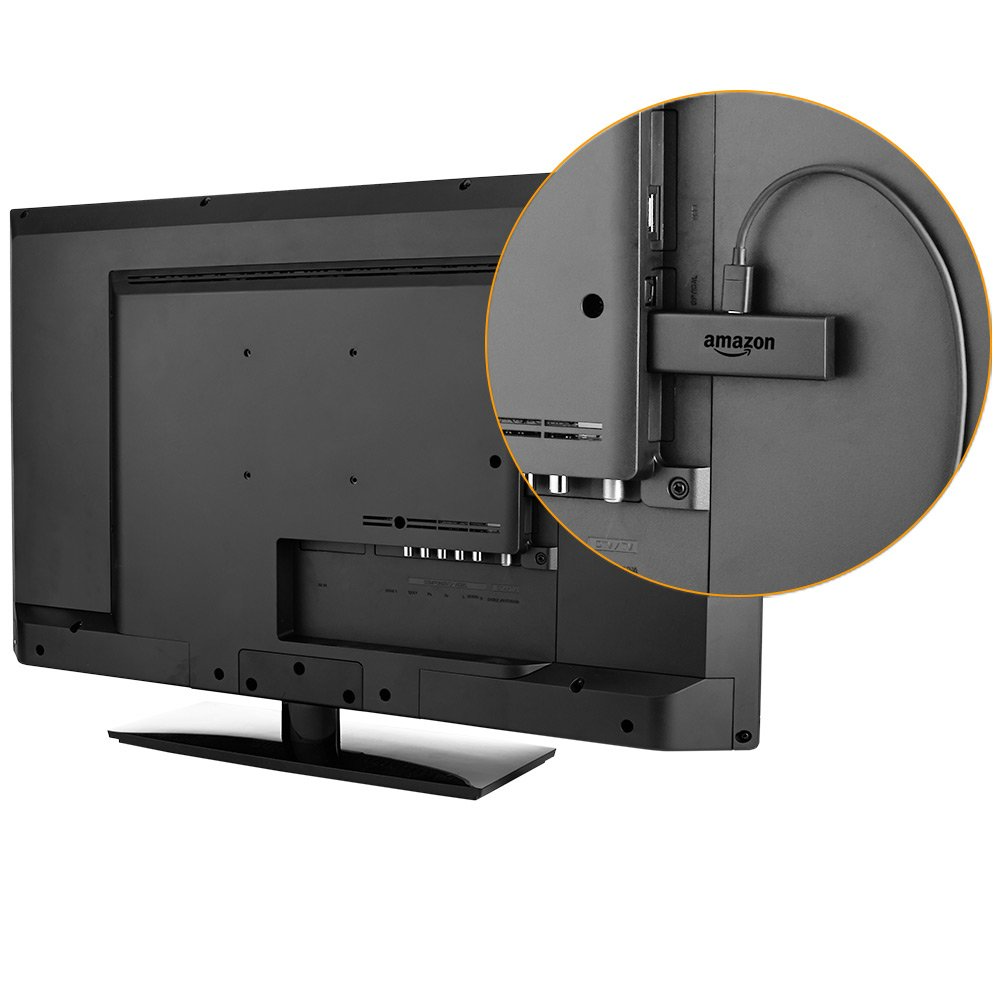
It really is as easy as 1, 2, 3 – simple 3 step process…
[Same setup process for ONN Stream Box]
HOW TO CONNECT
1. After you turn on device hold home button (the one with the little home icon) for 10 seconds to program remote to the TV
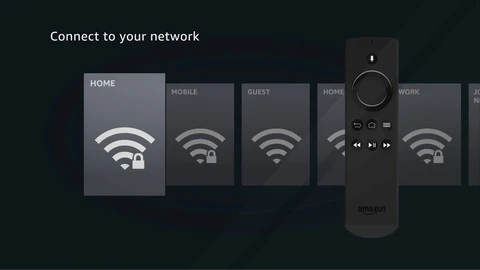
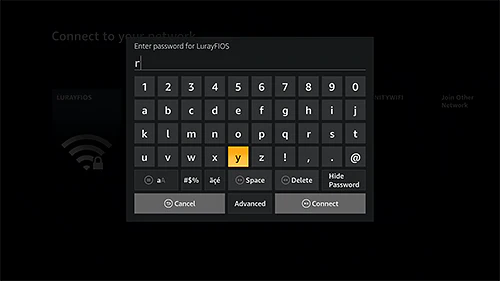
**** 2. ** You will need to find your WI-FI connection and enter password ****
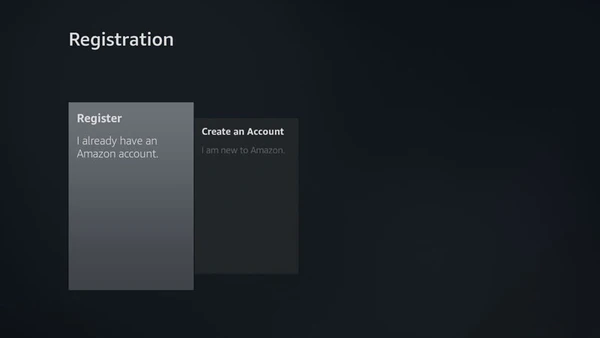
3. Sign Up an Amazon account for FireStick and a Google account for ONN Stream Box or if you have one just Sign in
Note: Only our applications that we have installed will allow you to watch free Unlimited Movies and TV Shows. We have listed our apps below.
HOW TO LOCATE APPLICATIONS On the Main Menu go to the SETTINGS> APPLICATIONS> MANAGE INSTALLED APPLICATIONS
All Device comes with Premium & Platinum Applications, those applications are:
1. Platinum TV App (Latest 2025 Version) – access to everything from Movies, TV Shows, Live TV, Sports, Cartoons, Music and more. 2. Tubi TV – thousands of TV Shows, Movies, Anime and more. Keep up with your favorite TV Shows as episodes are updated every day. 3. Live Net TV – tons of Live TV channels. Shows. 4. Cinema Movie App – HD Movies, TV Shows, Kid Shows. 5. Bee TV – HD Movies, Anime, TV Shows. 6. Flix Vision – Movies, TV Shows, Anime, International Live Channels, Adult Movies. (password-protected)
24/7 support team and 100% Money-Back Guarantee on all orders